



An LCD Monitor is a screen that creates images by controlling how light passes through liquid crystals and color filters. Most models use a backlight, often LED-based, because liquid crystals do not produce light themselves. On a desk, that light becomes crisp text, a spreadsheet grid, or a moving image. The term can be confusing. “LED monitor” usually refers to an LCD monitor with LED backlighting, not a completely different type of display.
Understanding how an LCD Monitor works can make shopping and everyday use less guesswork. This guide explains its main components, how pixels form colors, and how features such as resolution, refresh rate, and panel type affect the picture. It also compares common strengths and limitations, including power use, viewing angles, and motion clarity. Results vary by model and settings, so a specification sheet cannot tell the whole story. A bright display in a shop, for example, may look different at home beside a window. Small details matter. Knowing what to check can help match a monitor to work, gaming, or general browsing without paying for features you may not need. Some distinctions remain messy, even for experienced buyers; product labels are not always consistent. A careful comparison—and, when possible, a real viewing test—offers a more reliable starting point.
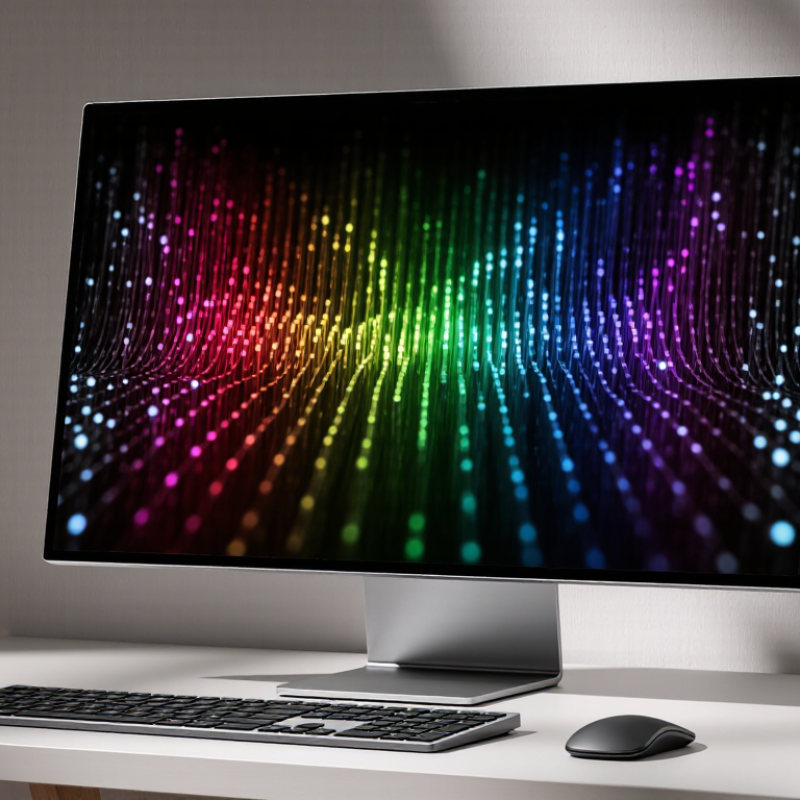
An LCD monitor forms images by controlling how much light passes through liquid crystal cells. A backlight shines behind the panel, while electrical signals adjust each pixel. Color filters create red, green, and blue subpixels. Together, these produce the picture on screen. The crystals do not generate light themselves. That distinction matters.
Core characteristics include resolution, brightness, contrast, refresh rate, and response time. Resolution describes the number of pixels, such as 1920 by 1080. More pixels can make text and fine edges look sharper, especially on a similarly sized screen. Brightness is measured in nits, while contrast compares dark and light areas. Refresh rate, measured in hertz, indicates how often the image updates. Response time describes how quickly pixels change, though measurement methods can differ.
Panel design also affects viewing angles, color appearance, and motion clarity. Some screens look consistent from the center but shift in color when viewed from the side. A practical check is to display a gray page and move slightly left or right. Notice any change. Specs help, but they do not tell the whole story. Room lighting, screen size, and personal sensitivity can alter how a monitor feels in daily use. Even a technically impressive display may not suit every desk.
| Characteristic | Definition | Typical Details |
|---|---|---|
| LCD monitor | A flat-panel display that uses liquid crystals to control how much light passes through each pixel. | The liquid crystals do not produce light themselves; a backlight illuminates the image. |
| Display layers | An LCD panel typically contains a backlight, polarizing filters, liquid-crystal cells, color filters, and control electronics. | Applying an electric field changes the alignment of the liquid crystals, regulating light transmission. |
| Backlight | The light source behind the panel that makes the displayed image visible. | Most modern LCD monitors use LED backlighting. LED-backlit displays are still LCDs; older models may use fluorescent backlights. |
| Pixels and color | Pixels form the image, and each pixel is generally divided into red, green, and blue subpixels. | Varying the light passing through each subpixel produces a range of colors and brightness levels. |
| Native resolution | The panel’s physical pixel dimensions and the resolution at which it displays its sharpest image. | Common formats include 1920 × 1080, 2560 × 1440, and 3840 × 2160 pixels. |
| Pixel density and pitch | Pixel density describes how many pixels fit into a given area; pixel pitch is the distance between neighboring pixels. | Higher pixel density generally produces finer detail at the same viewing distance. Screen size and resolution both affect density. |
| Refresh rate | The number of times the display can update its image each second, measured in hertz (Hz). | 60 Hz is common for general-purpose displays; some models support higher rates, such as 120 Hz or more. |
| Response time | The time a pixel takes to change from one state to another, usually reported in milliseconds (ms). | Results depend on the transition and measurement method, so figures from different displays may not be directly comparable. |
| Brightness | The amount of light emitted by the display surface, commonly measured in candelas per square metre (cd/m²). | Many standard desktop displays are rated around 250–400 cd/m², though actual specifications vary by model and operating mode. |
| Contrast ratio | The ratio between the brightest white and darkest black a display can produce under specified conditions. | Contrast varies with panel design, settings, and measurement method; dynamic contrast figures are not directly comparable to static contrast. |
| Viewing angle | The range of positions from which the image remains acceptably visible. | Color and contrast can shift when viewed off-center. Published angle ratings depend on the test standard and threshold used. |
| Power use | The electrical power consumed by the monitor while operating. | Consumption depends on screen size, brightness, refresh rate, backlight settings, and operating mode. |
Note: The figures above are general examples, not universal specifications. Exact characteristics differ among LCD panels and monitor configurations.